Deleting files did not free any disk space
 Devchandra Shrestha
3 min read
Short answer
The space is usually still held by the recycle bin or Trash, by app downloads and caches, by files an application still has open, or by snapshots the system keeps. Windows and macOS release each of these differently, so a delay in the figure does not identify the cause on its own.
Researched explainer. Supporting documentation and research are linked in the article.
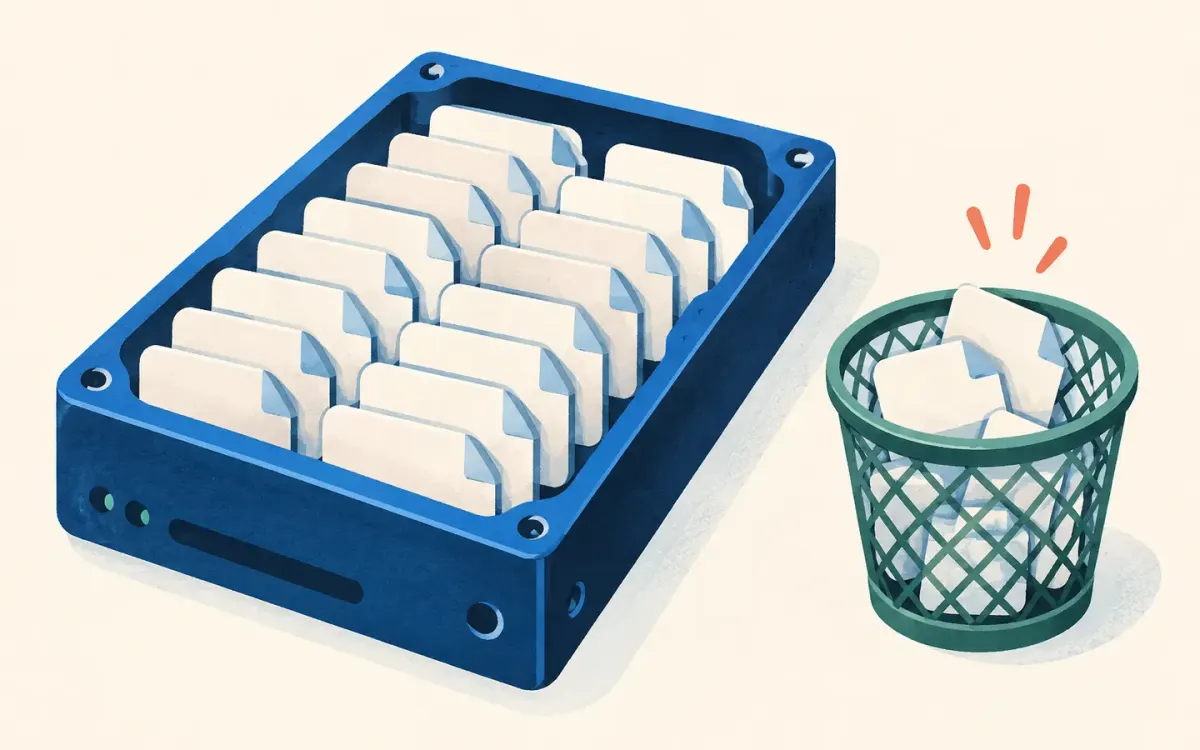
A file you deleted is still costing you space, and the number in the storage panel has not moved. Several mechanisms can explain the difference. The cause depends on the filesystem, the app and which storage figure you are reading. More desktop guides are in Windows & Mac; the same problem on a handset is in phone storage full after deleting photos, and another storage question is why an Excel workbook can be larger than its visible data.
Removing a name and releasing storage are different events
Free space depends on the allocations that remain on the volume. Moving a file to a bin can retain its allocation. A snapshot or another retained copy can also preserve content after it disappears from the current folder.
Deletion is not a recovery guarantee. The filesystem, SSD trimming, encryption and subsequent activity can affect whether old content remains accessible. Microsoft’s recovery guidance explains why recovery cannot be assumed. A separate backup is a different protection from hoping deleted data can be reconstructed.
Four things that keep claiming the space
The Recycle Bin or Trash. Deleting moves the file rather than releasing it. The space is still allocated and still counted. This is the one most people check, and it is the reason the other three get missed.
Snapshots and local accounting. A snapshot can preserve data after a file changes or disappears from the current view. Apple explains that Time Machine local snapshots are managed automatically and their space is counted as available storage. A large snapshot figure alone does not prove that macOS cannot make room for new work. Windows backup and restore features have different storage arrangements; File History is not interchangeable with Time Machine.
A program still holding a file open. Handle and sharing rules can delay deletion or prevent it, depending on the operating system and operation. Microsoft documents deletion waiting for handles to close. Ending the relevant process can release its handles, but that does not remove snapshots or other retained copies.
Cloud and local copies. Sync services can keep downloaded files, offline copies and separate deleted-items areas. Their policies differ. A cloud account’s usage is a different measurement from free space on the computer, so compare the relevant local figure before attributing the change to sync.
A related case is an update that will not finish until you restart, explained in why Windows has to restart to finish an update.
How to tell which one is holding your space
Start by identifying the volume and category that still consumes the space. The bin, app downloads and backup storage are different places to investigate. A restart can release a process’s open files, but a persistent problem after a restart does not establish that snapshots caused it. Microsoft’s storage guidance covers other categories, including system files and locally downloaded cloud content.
The exact panel that reports storage, and the wording beside it, moves between Windows builds and macOS releases, so this post explains the mechanisms. The vendor sources below provide their current instructions; this page does not claim a device-specific repair test.
Sources
Did this fix it?
We re-test the guides that stop working. Telling us is the fastest way to get one fixed.
Questions people also ask
- Does emptying the Recycle Bin actually erase the file?
- It normally releases the bin’s allocation for reuse, but this is not a promise that recovery is possible. SSD trimming, encryption, later writes and retained copies affect recoverability. Emptying the bin should be treated as permanent removal.
- Why did my free space go up by itself an hour later?
- Several background changes can alter the reported figure, including temporary-file cleanup and changes to local copies or snapshots. Time Machine manages local snapshots automatically. A delayed change alone does not identify the responsible mechanism.
- Is a disk that reports zero bytes free dangerous?
- It can be. Both systems need scratch space to apply updates and to write swap, so a disk at zero tends to produce failures that look unrelated to storage.
Devchandra ShresthaEditor, A2Z Skills
I run A2Z Skills and edit everything that goes out. My own testing is desktop and web: Windows and macOS repair, domains, DNS and hosting. If a step in one of our guides does not work on your machine, I am the one who reads the email and fixes the post.
Read next
 Why Windows has to restart to finish an update
Windows restarts because some of the files an update replaces are in use while Windows is running. Downloading…
 Phone storage still full after deleting photos
A deleted photo can still occupy storage in a recently deleted area, which Google Photos keeps for 30 days, an…