Phone storage still full after deleting photos
 Krishna Pokharel
3 min read
Short answer
A deleted photo can still occupy storage in a recently deleted area, which Google Photos keeps for 30 days, and the device figure does not count cloud-only originals the same way. Work out whether the phone or the cloud account is the one that is full first.
Researched explainer. Supporting documentation and research are linked in the article.
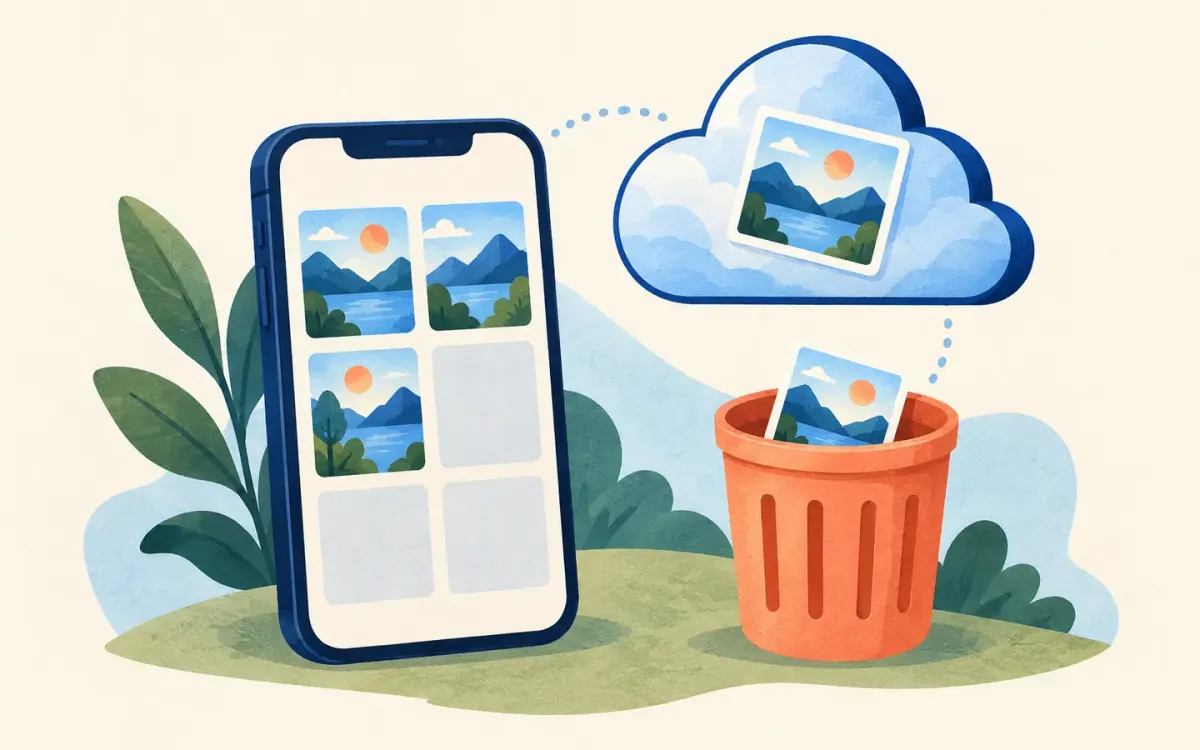
Deleting photos changes the library you see, but that count does not explain the phone’s storage total. Before removing anything else, identify whether the warning concerns the device or its cloud account. They are different limits.
More handset explanations are in Phones. If the phone also feels slow, storage pressure is one possible contributor. The desktop version of the question is why deleting files may not release the space you expected.
Device storage and cloud storage are different
A full cloud account and a full handset need different diagnoses. Apple distinguishes iCloud capacity from device capacity: paying for more online space does not enlarge the storage chip in an iPhone. A similar distinction matters when a Google account reports its own limit.
The useful question is which category changed after deletion. A photo count alone cannot show whether photos, downloaded video, messages or another app accounts for most of the local usage. Deleting more photographs may leave the largest category untouched.
A deleted item can remain recoverable
A recently deleted area allows recovery before permanent removal. The retention period depends on the service. The current Google Photos deletion policy states 30 days. It also explains where deletions affect backed-up devices and where copies can remain.
A recoverable cloud item is not proof that the same full-size file still occupies the same amount of space on the handset. The app, backup state and location of the original all matter. A deletion count and a storage estimate therefore need to be interpreted together.
An optimised photo may already use little local space
Apple’s photo-storage explanation describes keeping originals in iCloud while optimising the copies on the device. Deleting an item whose original is already online can free less local space than its original file size suggests.
That is why the number of photographs removed is a poor estimate of the space recovered. A library of similar-looking thumbnails can contain very different amounts of local data. It does not follow that the phone secretly holds three complete copies of every picture.
Removing a device copy is different from deleting the library item
Google describes freeing device space from safely backed-up photos as a separate feature. The pictures can remain visible in the online library after their local copies have gone. Some recent device copies may be retained.
This distinction also explains why a photo can still be visible after local space has been released. Seeing its thumbnail does not establish where the original now lives or whether it is available offline.
Photos may not be the largest remaining category
Google’s Android storage guidance separates downloaded content, apps and temporary data. A gallery is only one part of that storage. Clearing an app’s cache and clearing its data have different consequences, so they should not be treated as interchangeable repairs.
This page explains those distinctions. A device-specific walkthrough needs a named OS and app version before its screens and results can be described as tested.
Did this fix it?
We re-test the guides that stop working. Telling us is the fastest way to get one fixed.
Questions people also ask
- Does Google Photos keep deleted photos for 60 days?
- The current Google Photos Help page checked for this article states 30 days. This corrects the older 60-day claim on this page. Check the app's current recovery notice before relying on a retention period.
- Does buying cloud storage add space to my phone?
- It adds capacity to the cloud account. It does not increase the phone's physical storage. Whether local usage falls depends on how the photo service stores originals and device copies.
- Can deleting a photo remove it from other devices?
- Yes. A deletion in a synced photo library can affect other devices and the cloud library. Removing a backed-up device copy is a different operation.
Krishna PokharelOffice and mobile tester, A2Z Skills
I test the Excel, Word and phone guides on A2Z Skills. That means reproducing the formula that returns an error or the setting that moved in the last Android release, on a real machine and a real handset, and writing down the version numbers it happened on.
Read next
 Why a phone slows down as it gets older
Storage pressure, app behaviour, heat, network delays and software changes are the usual reasons an older phon…
 Deleting files did not free any disk space
The space is usually still held by the recycle bin or Trash, by app downloads and caches, by files an applicat…